

Which Camera to Buy for an Automated Inspection System
- Nov 13, 2025
- 3 min read
Updated: Nov 14, 2025
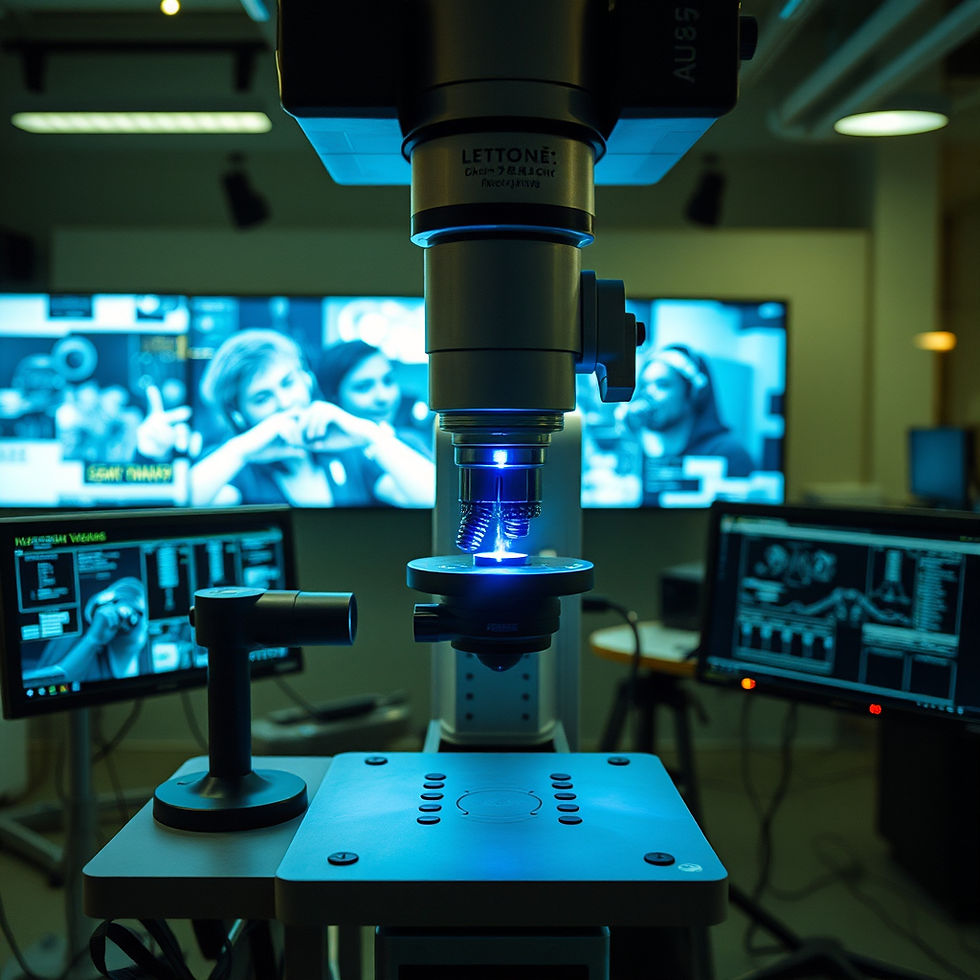
In modern manufacturing and logistics, automated inspection systems are essential for ensuring product quality, reducing defects, and increasing operational efficiency. At the heart of these systems is the camera—capturing images, identifying errors, and providing data for quality control. But with so many options on the market, choosing the right camera for your automated inspection system can be challenging.
This guide will walk you through the key factors to consider and highlight some of the best camera options for industrial inspection.
Why Camera Selection Matters
The camera in an automated inspection system directly impacts accuracy, speed, and reliability. A poorly chosen camera may miss defects, create false positives, or slow down production. Conversely, the right camera can ensure consistent quality, enable faster production cycles, and provide actionable data for improving processes.
Before selecting a camera, it’s important to evaluate your system’s needs, environmental conditions, and production requirements.
Key Factors to Consider When Choosing a Camera
1. Resolution and Sensor Type
The resolution determines how much detail the camera can capture. High-resolution cameras are essential for inspecting small parts or detecting subtle defects, but they require more processing power and storage.
When it comes to sensors, there are two main types:
CCD (Charge-Coupled Device): Known for high image quality and low noise, ideal for precision inspection.
CMOS (Complementary Metal-Oxide-Semiconductor): More cost-effective and energy-efficient, suitable for high-speed applications.
Selecting the right resolution and sensor ensures your inspection system can detect defects accurately without overloading your processing capabilities.
2. Frame Rate
The frame rate defines how many images a camera can capture per second. High-speed production lines require cameras with higher frame rates to keep up with moving parts. A camera with insufficient frame rate can result in missed defects or blurred images.
3. Lighting Conditions
Lighting dramatically affects image quality. Some cameras are optimized for low-light environments, while others perform best under bright, even lighting. Consider adding controlled lighting, such as LED arrays or diffusers, to enhance contrast and reduce shadows for consistent inspection results.
4. Interface Compatibility
Cameras use different interfaces to communicate with software and control systems, including USB, GigE, and Camera Link. Ensure the camera’s interface is compatible with your existing infrastructure to simplify integration and data transfer.
5. Environmental Factors
Industrial environments can be harsh. Consider the following conditions:
Temperature and humidity: Some cameras are designed to operate in extreme conditions.
Dust or chemicals: Protective housing may be required for cameras in dusty or corrosive environments.
Vibration or motion: Industrial settings may require ruggedized cameras to maintain image stability.
Choosing a camera suited for your environment ensures long-term reliability and reduces maintenance issues.
Top Camera Options for Automated Inspection Systems
Here are some reliable camera series commonly used in industrial inspection:
Basler Ace Series: Offers a wide range of resolutions and frame rates. Known for reliability and consistent image quality, suitable for general industrial applications.
FLIR Blackfly S: Compact cameras with high frame rates and multiple interface options. Ideal for space-constrained or high-speed inspection lines.
IDS Imaging uEye Series: Flexible sensor options, compatible with multiple interfaces, providing adaptability for various inspection tasks.
Additional Considerations
Software Integration: Ensure the camera is compatible with your inspection software or supports standard protocols like GenICam.
Support and Documentation: Choose a manufacturer that offers technical support and comprehensive documentation for smoother implementation.
Maintenance and Longevity: Consider the expected lifespan, warranty, and ease of replacing components.
Conclusion
Selecting the right camera is critical for building a reliable, efficient automated inspection system. By evaluating resolution, sensor type, frame rate, lighting compatibility, interface options, and environmental requirements, manufacturers can choose a camera that maximizes accuracy and productivity.
Investing in the right camera not only ensures high-quality inspection results but also enhances operational efficiency, reduces waste, and supports long-term growth. Whether you are inspecting electronics, packaging, or precision components, the camera is the backbone of your quality control system—and choosing wisely is essential for success.