

Machine Vision Industrial Camera: How to Choose the Right One for Your Robot or Inspection System
- Apr 13
- 6 min read
A machine vision industrial camera is not a webcam. It is not a security camera. And the spec that matters most is rarely the one listed first on the product page.
Industrial cameras used in manufacturing automation are precision instruments designed to capture consistent, high-quality images at production speeds, under variable lighting, in environments that would destroy consumer-grade hardware in weeks. Choosing the wrong one does not just mean poor image quality. It means false rejects, missed defects, a vision system that cannot keep pace with your line, and an integration project that takes twice as long as it should.
This guide covers what actually differentiates industrial vision cameras, which types fit which applications, and how a camera integrates with a robot arm to enable vision-guided automation.
What Is a Machine Vision Industrial Camera?
A machine vision industrial camera is a digital imaging device built for automated inspection, measurement, and robot guidance in industrial environments. Unlike consumer cameras optimized for pleasing images, industrial cameras are optimized for repeatability, speed, and integration with machine vision software and robotic systems.
The core components are an image sensor (either CMOS or CCD), a lens mount, an industrial interface for data transmission, and a ruggedized housing rated for dust, vibration, and in many cases moisture. The camera does not process images on its own. It captures frames and transmits them to a vision processor or PC running the inspection or guidance software.
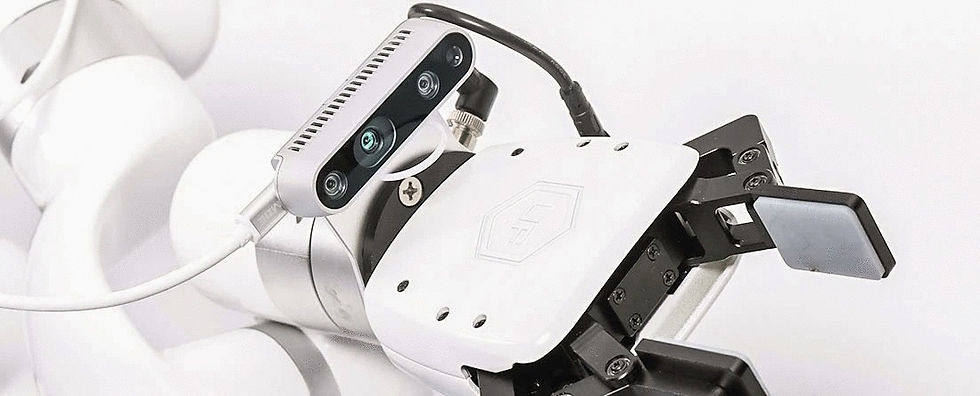
In a robot-mounted configuration, the camera travels with the arm and captures images from the robot's perspective, enabling the vision system to locate parts, verify orientation, and calculate grasp points in real time. In a fixed-mount configuration, the camera is positioned above a conveyor or work area and images pass beneath it, which is common for inline inspection and part identification.
Camera Types and When to Use Each
2D area scan cameras - The most common type in industrial automation. An area scan camera captures a rectangular field of view in a single frame, like a photograph. It works well for parts that are stationary or moving slowly, inspection of flat surfaces, label verification, barcode reading, and robot guidance where parts are presented in a known position. Most pick and place and machine tending vision applications use a 2D area scan camera.
2D line scan cameras - A line scan camera captures one line of pixels at a time and builds a full image as the object moves beneath it. This makes it the right choice for inspecting continuously moving material like web, film, sheet metal, or products on a fast conveyor where the object never stops. Line scan delivers extremely high resolution across wide fields of view that an area scan camera cannot match.
3D cameras - 3D cameras capture depth data in addition to 2D image data, producing a point cloud or depth map that tells the vision system where objects are in three-dimensional space. This is essential for bin picking from randomly oriented parts, depalletizing with variable stack heights, and any application where the robot needs to know not just what something looks like but where it is in Z-axis space. 3D cameras use one of three core technologies: structured light, stereo vision, or time-of-flight (ToF).
Smart cameras - A smart camera integrates the image sensor and the vision processing computer into a single compact unit. Rather than transmitting images to an external PC for processing, the smart camera runs the inspection algorithm onboard. This simplifies installation and reduces latency, making smart cameras a practical choice for straightforward, fixed inspection tasks. For more complex applications requiring deep learning or multi-camera coordination, a PC-based system with separate cameras typically offers more processing power.
Key Specs That Drive Real-World Performance
Resolution - Measured in megapixels, resolution determines how fine a detail the camera can resolve. More megapixels mean finer defect detection but also larger image files and higher processing demands. The right resolution depends on your field of view and the smallest feature you need to detect. A camera with too little resolution misses defects; one with too much adds cost and processing overhead without benefit.
Frame rate - How many images the camera captures per second. For inline inspection on a fast conveyor, frame rate determines whether you can image every part without gaps. For robot guidance where the arm pauses to pick, frame rate is less critical. Match frame rate to your line speed and cycle time requirements.
Sensor type - CMOS sensors are now dominant in industrial cameras. They offer faster readout speeds, lower power consumption, and competitive image quality compared to older CCD technology. For most 2026 industrial applications, CMOS is the right choice.
Interface - GigE Vision (Gigabit Ethernet) is the most common interface for industrial cameras. It allows long cable runs, uses standard network infrastructure, and supports multi-camera setups. USB3 Vision is an alternative for shorter-run, cost-sensitive applications. CoaXPress supports the highest bandwidth for high-speed or very high resolution systems.
IP rating - The ingress protection rating determines how resistant the camera is to dust and moisture. IP67 means fully dust-tight and protected against immersion. For food and beverage, wet processing, or outdoor environments, verify the IP rating before selecting a camera.
Machine Vision Cameras in Robot-Guided Automation
The most impactful use of machine vision cameras in manufacturing is not standalone inspection. It is enabling a robot arm to see and respond to its environment in real time.
A vision-guided robot system combines a camera with a robot arm and vision software to locate parts, calculate pick coordinates, verify placement, and adapt to variation without reprogramming. This is what separates a flexible, adaptable cobot cell from a fixed-program robot that breaks down the moment a part shifts position.
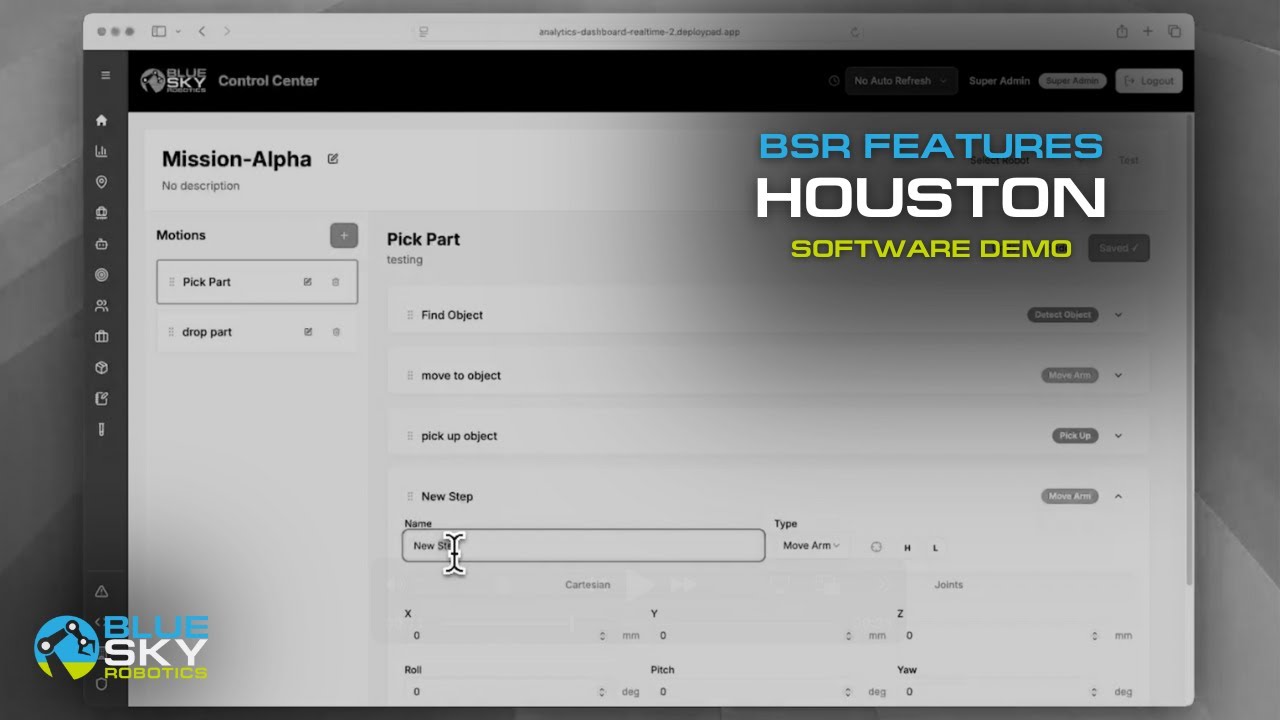
Blue Sky Robotics' automation software includes computer vision capabilities built to work with the full robot lineup, from the UFactory Lite 6 ($3,500) up through the Fairino FR20 ($15,499) and beyond. The software handles object detection, pose estimation, and pick coordinate calculation, turning a standard 2D or 3D camera into the perception layer of a complete automation system.
The Blue Argus computer vision platform is built specifically for this kind of application, combining camera hardware, vision processing, and robot integration into a system designed to deploy without requiring a computer vision engineering team on staff.
Common Industrial Camera Applications
Defect inspection - Detecting surface scratches, cracks, contamination, missing components, or dimensional deviations on parts moving through a production line. Camera resolution and lighting design are the critical variables.
Bin picking - Using a 3D camera to locate randomly oriented parts in a bin and calculate grasp coordinates for a robot arm. Requires a 3D depth camera and vision software capable of point cloud processing.
Label and barcode verification - Confirming that labels are present, correctly positioned, and readable. A 2D area scan camera with appropriate resolution and a vision system running OCR or barcode decoding handles this reliably.
Robot guidance - Positioning a camera above a work area or mounting it to a robot arm to locate parts, verify assembly steps, or guide the arm to precise pick locations.
Dimensional measurement - Using a calibrated camera to measure part dimensions against tolerance specifications as an alternative to manual gauging. Sub-millimeter accuracy is achievable with properly calibrated systems.
Getting Started
If you are evaluating a vision-guided robot system rather than a standalone inspection camera, the starting point is matching the right robot arm to your application and then selecting the camera configuration that supports it.
The Cobot Selector matches robot arms to payload and use case requirements. The Automation Analysis Tool helps you model the ROI before committing. Browse the full UFactory and Fairino lineups with live pricing, or book a live demo to see a vision-guided system running in real time. To learn more about machine vision and computer vision for industrial automation, visit Blue Argus.
FAQ
What is the difference between a machine vision camera and a regular camera?
Industrial machine vision cameras are built for repeatability, speed, and integration with automation software. They use standardized interfaces like GigE Vision or USB3 Vision, are rated for industrial environments, deliver consistent image quality under controlled lighting, and are designed to run continuously in production without drift or failure. Consumer cameras are optimized for appealing images under variable conditions, not for consistent machine-readable output at production speeds.
Do I need a 2D or 3D camera for robot guidance?
It depends on the application. If parts always arrive in a known, flat orientation, a 2D camera is sufficient and simpler to integrate. If parts are randomly oriented, stacked, or presented in three-dimensional variation (bin picking, depalletizing, variable assembly), a 3D camera is necessary to give the robot accurate depth information for grasping.
What software processes machine vision camera images in a robot system? The vision software handles image capture, feature detection, object location, and coordinate output to the robot controller. Blue Sky Robotics' automation software includes computer vision capabilities built for pick and place, bin picking, and inspection applications across the full robot lineup.