



Depalletizing Robot: How It Actually Works Layer by Layer
- Apr 6
- 5 min read
Updated: Apr 13
A depalletizing robot and a palletizing robot look similar from the outside. Both are robot arms moving cases on and off pallets. The difference is in which direction the uncertainty runs.
When a robot builds a pallet, it knows exactly what it is placing and where. The case comes from a known position on the production line with a known weight and dimension. The stacking pattern is programmed in advance. The robot executes a predetermined sequence, and the result is a predictable, stable pallet.
When a robot depalletizes an incoming pallet, it has none of that certainty. The pallet arrived from outside the facility. Cases may have shifted in transit. Layer heights are not always uniform. Packages may be damaged, leaning, or in a different orientation than expected. Mixed SKU pallets add another layer of complexity: the robot encounters cases of different sizes, weights, and packaging materials stacked in patterns that vary by supplier and by load.
This is why depalletizing is technically more demanding than palletizing, and why configuring a depalletizing robot correctly requires understanding what the vision system needs to see, how the robot plans its picks layer by layer, and how the downstream conveyor integration affects the whole system's throughput.
How a Depalletizing Robot Reads the Pallet
The core capability of a depalletizing robot is its ability to generate a fresh spatial map of the pallet at the start of each new layer and use that map to plan the next sequence of picks.
An overhead 3D camera scans the top of the pallet. The resulting point cloud gives the robot's vision software a spatial map of every visible surface: case positions, heights, orientations, and the gaps between them. The software identifies individual cases within that map, calculates pick candidates for each one, and selects the pick sequence that empties the layer without toppling unstable cases.
This layer-by-layer scan cycle is what allows a depalletizing robot to handle real-world pallet variation. Rather than relying on a programmed pattern that assumes every case is where it should be, the robot measures where things actually are and plans accordingly. When a case has shifted several centimeters off its expected position, the vision system sees it and the pick plan adjusts. When a layer is partially empty because some cases were removed earlier, the robot scans the current state and picks accordingly.
The scan-then-pick cycle adds time to each layer transition compared to a robot executing a fixed program. For most depalletizing applications, this is an acceptable trade-off: the flexibility to handle real pallet variation correctly is worth more than the fractional cycle time saved by assuming uniformity that does not exist.
Single SKU vs. Mixed SKU Depalletizing
The complexity of a depalletizing robot cell scales significantly depending on whether the pallets being depalletized are uniform single SKU loads or mixed case loads.
Single SKU depalletizing is the simpler configuration. Every case on the pallet is the same product with the same dimensions and weight. The 3D camera still needs to scan and locate each case, accounting for the real-world variation in how cases settle and shift in transit, but the vision software only needs to identify one type of object. The grasp strategy is consistent: same gripper configuration, same vacuum zone layout, same approach angle for every pick. Single SKU depalletizing cells are the most common first deployment for manufacturers and distributors automating their inbound receiving.
Mixed SKU depalletizing is considerably more complex. Cases of different sizes, weights, and packaging materials appear in the same layer, sometimes in no particular pattern. The vision software must identify each individual case type, calculate a grasp strategy appropriate for that specific case, and sequence picks in an order that maintains pallet stability as the layer empties. Vacuum zone selection changes per pick based on case dimensions. Approach angles may vary. The gripper may need to adjust suction patterns between picks.
For most small and mid-size manufacturers and distributors, single SKU depalletizing delivers the ROI without the added complexity of mixed case handling. Solving the single SKU inbound problem first, then expanding to mixed case capability, is the sequencing that produces the fastest payback and the most reliable first deployment.
Gripper Configuration for Depalletizing
The end-of-arm tool on a depalletizing robot determines which cases it can handle reliably and how quickly it can cycle between picks.
Vacuum cup grippers are the standard choice for smooth-sided cardboard cases. They provide a wide, stable contact surface that holds cases securely through the pick-and-place motion without edge contact that could damage packaging or destabilize the stack. For uniform cases from a single supplier, a fixed vacuum cup layout matched to the case footprint works consistently.
For operations receiving cases of multiple sizes, multi-zone vacuum grippers that can activate different subsets of cups based on the case dimensions being picked provide the flexibility to handle size variation without a physical tooling change between picks. The vision system identifies the case dimensions and the gripper controller activates the appropriate zone configuration automatically.
For bagged product, wrapped bundles, or cases with non-smooth surfaces where vacuum may not hold reliably, clamp-style grippers or adaptive soft grippers handle the surface variation. The gripper selection should always be validated against the worst-case packaging in the product mix, not the average case.
Downstream Conveyor Integration
A depalletizing robot does not operate in isolation. The cases it picks need to go somewhere, and the throughput of the whole inbound operation depends on matching the robot's pick rate to the downstream conveyor's capacity.
The most common configuration places a short belt or roller conveyor at the robot's outfeed point. Cases are placed on the conveyor, which carries them to the next stage of the inbound process: scanning, sorting, or transfer to storage. The conveyor needs enough capacity to buffer the robot's output without backing up between scans.
The pallet handling side also requires planning. An empty pallet stacker or conveyor for removing spent pallets keeps the cell running continuously. Without it, an operator must manually remove empty pallets, which creates the intervention dependency that depalletizing automation is meant to eliminate.
Matching the Robot to the Pallet Weight
Payload is the deciding specification for a depalletizing robot, and it must account for the heaviest individual case the robot will ever pick at the maximum reach required to clear the pallet edge.
For cases up to 10 kg, the Fairino FR10 ($10,199) is the starting point for production depalletizing. It covers the majority of consumer goods, packaged food, and general merchandise cases at a price point that makes the ROI case straightforward against one manual depalletizing position per shift.
For heavier cases approaching 16 kg, the Fairino FR16 ($11,699) extends payload while maintaining a compact footprint that fits alongside standard pallet conveyor configurations. This is the right choice for beverages, hardware, and denser packaged goods.
For the heaviest cobot-range depalletizing applications at 20 kg, the Fairino FR20 ($15,499) handles full case weights that push the limit of what a person should be lifting repeatedly across a full shift. This is the application where the injury and turnover case for automation is most compelling.
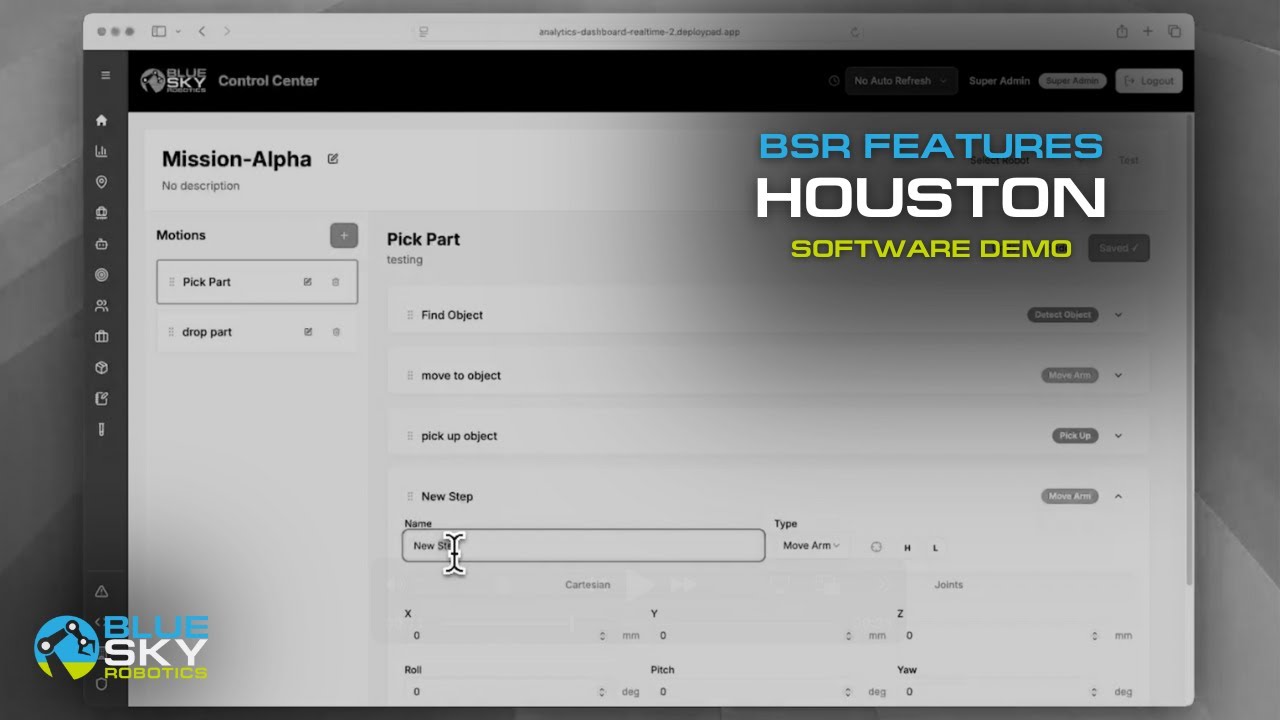
All three integrate with overhead 3D camera systems through ROS2 and open APIs, and Blue Sky Robotics' automation software handles the mission logic connecting vision output to pick sequence and conveyor coordination.
Starting the Evaluation
If your receiving operation has people breaking down pallets manually on every shift, the financial case for a depalletizing robot is already strong. The Automation Analysis Tool runs the numbers for your specific case weight, shift structure, and labor cost. The Cobot Selector matches the right arm to your payload. And if you want to see a depalletizing robot working through a real pallet before committing to hardware, book a live demo with the Blue Sky Robotics team. To learn more about computer vision software visit Blue Argus.
Every pallet your team breaks down by hand today is a case for automation. The robot does not get fatigued on the last layer.


